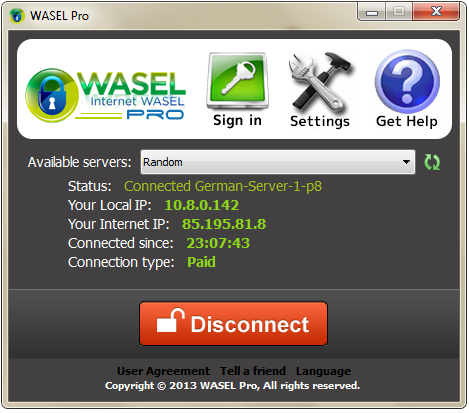
WASEL Pro VPN Mac işletim sistemi üzerinden nasıl çalıştırılır
WASEL Pro indirmek için buraya tıklayınız
WASEL Pro'nun farklı işletim sistemleri için farklı versiyonlarını bulacaksınız. Mac versiyonunu seçiniz
WASEL Pro Mac karşısında yüklenecektir.

Now click on the WASEL Pro icon. Keep clicking and dragging the icon to drop it in the folder.
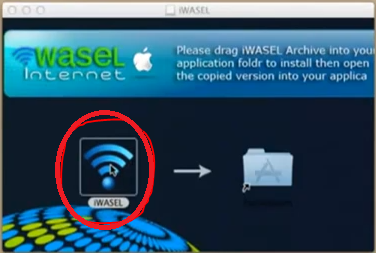
When dragging the icon, the folder will open
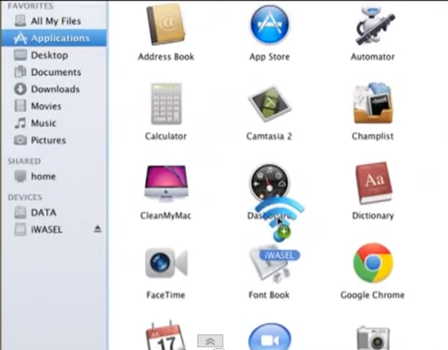
Now stop clicking
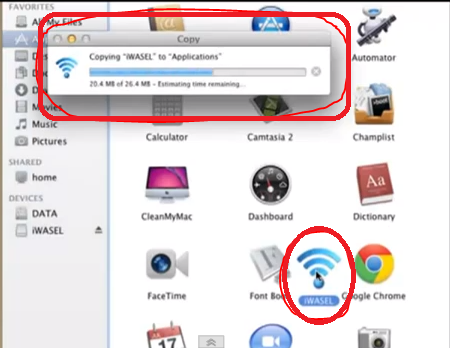
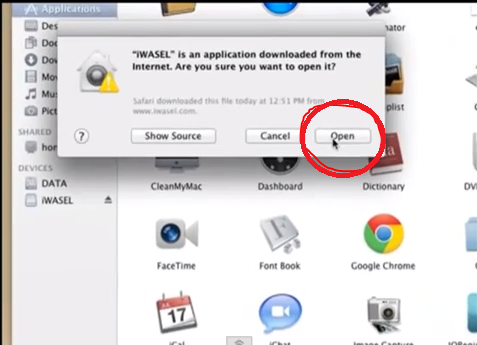
Click on Open
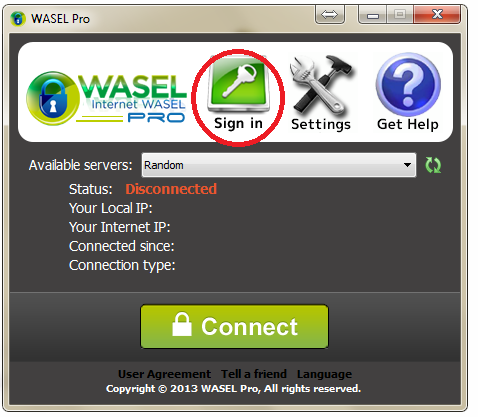
Now you see the main window. Click on the Sign in icon.
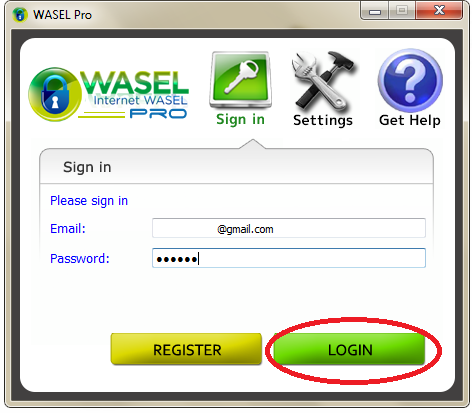
Insert your e-mail and password then click on Login.
Now that you're logged in, click on WASEL Pro logo to go back to the main window.

Click on the arrow to see the list of available servers. Select your preferred server and click on Connect.
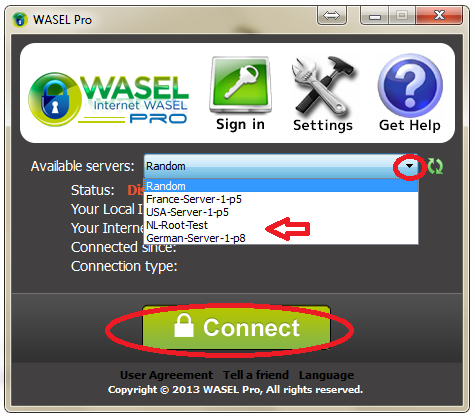
Now you're connected.