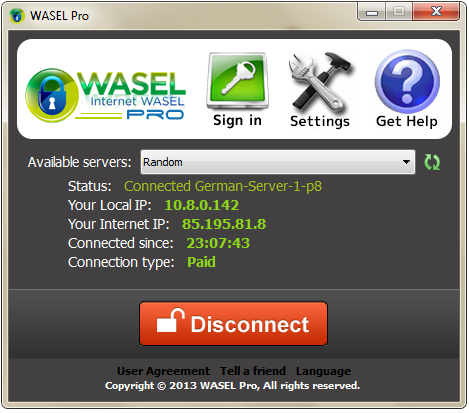
Как использовать WASEL Pro для Mac
Click here to download WASEL Pro
You'll find different WASEL Pro versions for different operating systems. Choose Mac version
Now WASEL Pro Mac will start downloading
After downloading, click on the word WASEL Pro
WASEL Pro will be installed

Now click on the WASEL Pro icon. Keep clicking and dragging the icon to drop it in the folder.
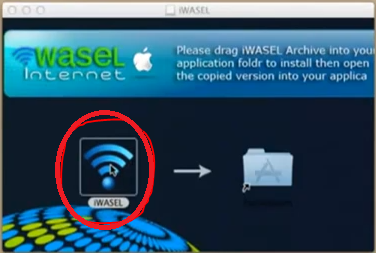
When dragging the icon, the folder will open
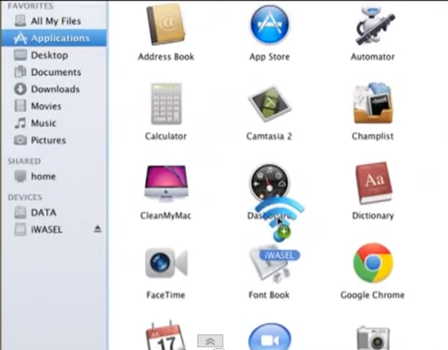
Now stop clicking
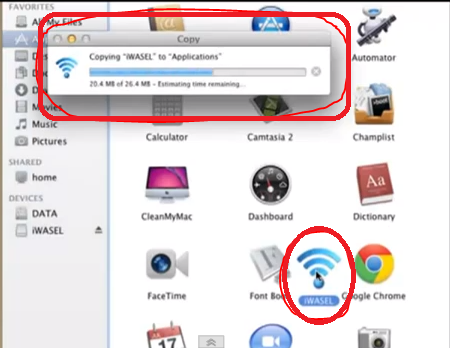
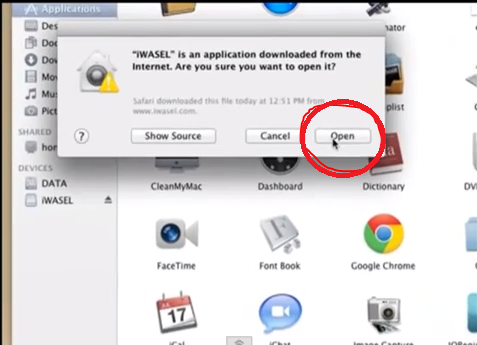
Click on Open
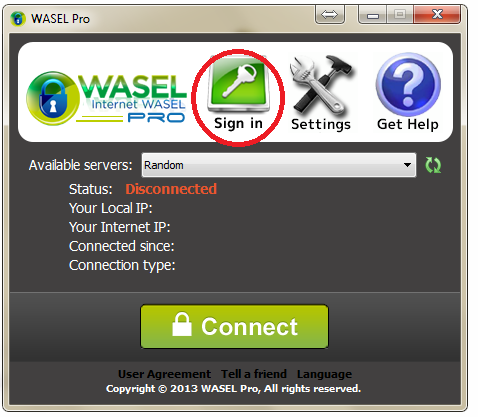
Now you see the main window. Click on the Sign in icon.
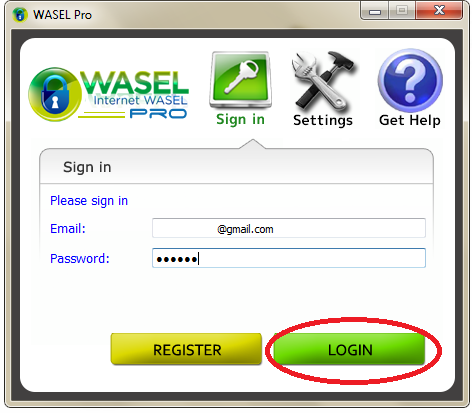
Insert your e-mail and password then click on Login.
Now that you're logged in, click on WASEL Pro logo to go back to the main window.

Click on the arrow to see the list of available servers. Select your preferred server and click on Connect.
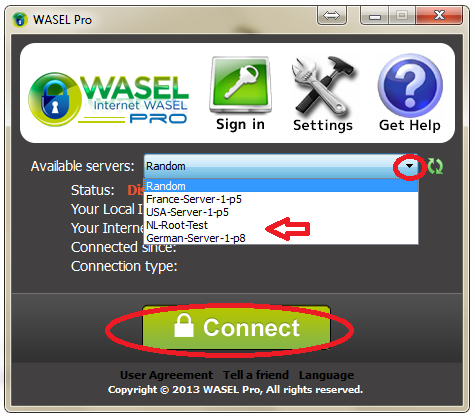
Now you're connected.