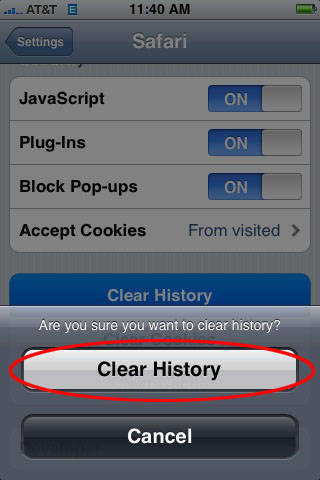
如何從iPhone的Safari清除瀏覽紀錄
First method:
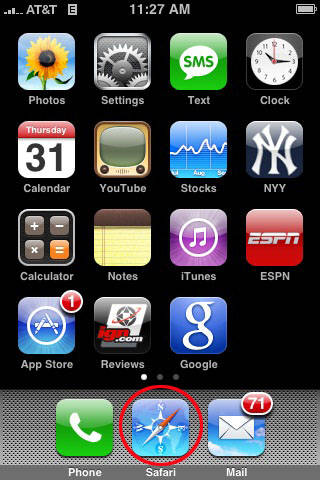
1. Open the browser
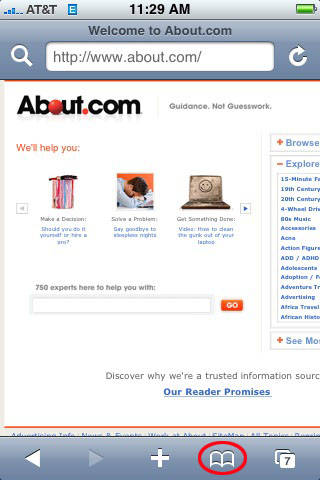
2. Tap on the "Bookmarks" button
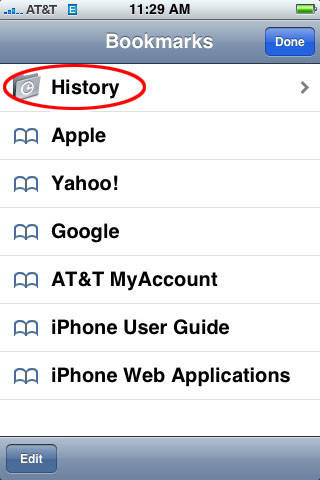
3. Select "History"
4. Tap on "Clear"
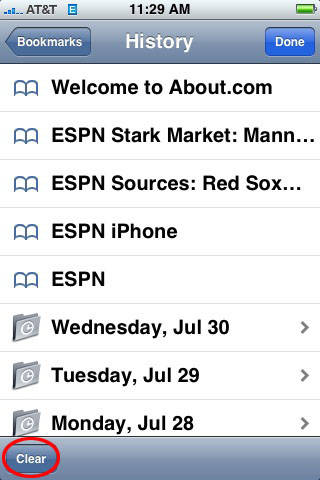
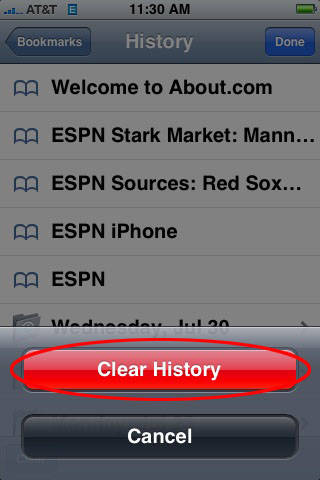
5. Select "Clear History"
Second method:
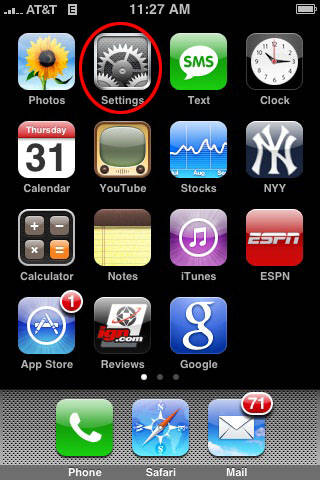
1. Go to "Settings"
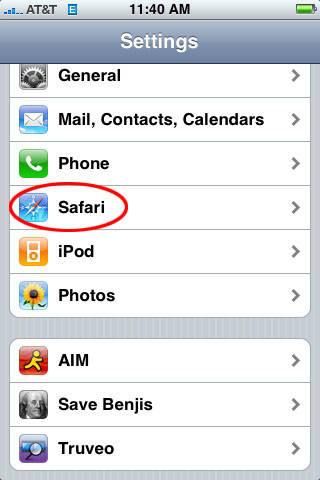
2. Select "Safari"
3. Select "Clear History"
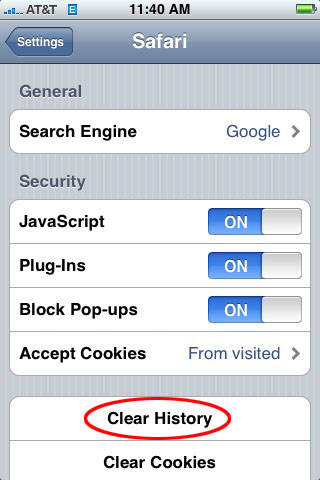
4. Confirm your selection